
Survive a Psycho Arasaka Tower Map: Floors and Routes
Navigate the Survive a Psycho Arasaka Tower map using floor signs, the Library, Sky Lobby, Mail Room and routes to storage.
Last updated:
Choose where your next round takes place, learn the landmarks in each scenario, and find the services you need between rounds.
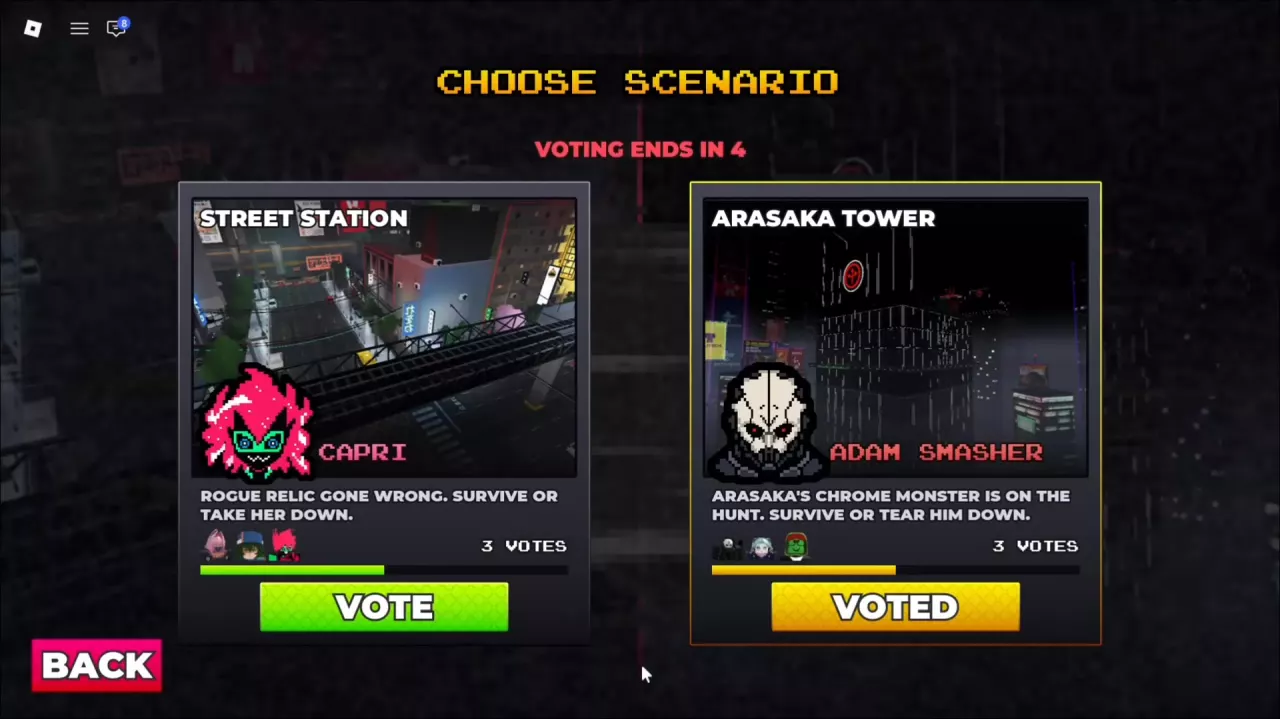
Each combat scenario pairs a battlefield with its Psycho. Choosing a scenario does not replace your survivor class. Arasaka Observation Deck is the lobby used between rounds.
During the lobby voting phase:
Your vote is one contribution to the result. For example, Street Station can be selected with eight votes to Arasaka Tower's four even if you voted for the tower.
Street Station is Capri's urban battlefield. Follow the roads and turn at intersections to move through the streets. If you reach a fenced edge, head back toward the streets to return to the fighting area; from the ruined buildings, you can pass through the ruins and continue toward the street area.
Capri's Overdrive vehicle can travel along the streets and turn through the road layout. Keep the roads in mind when deciding where to move during a chase.
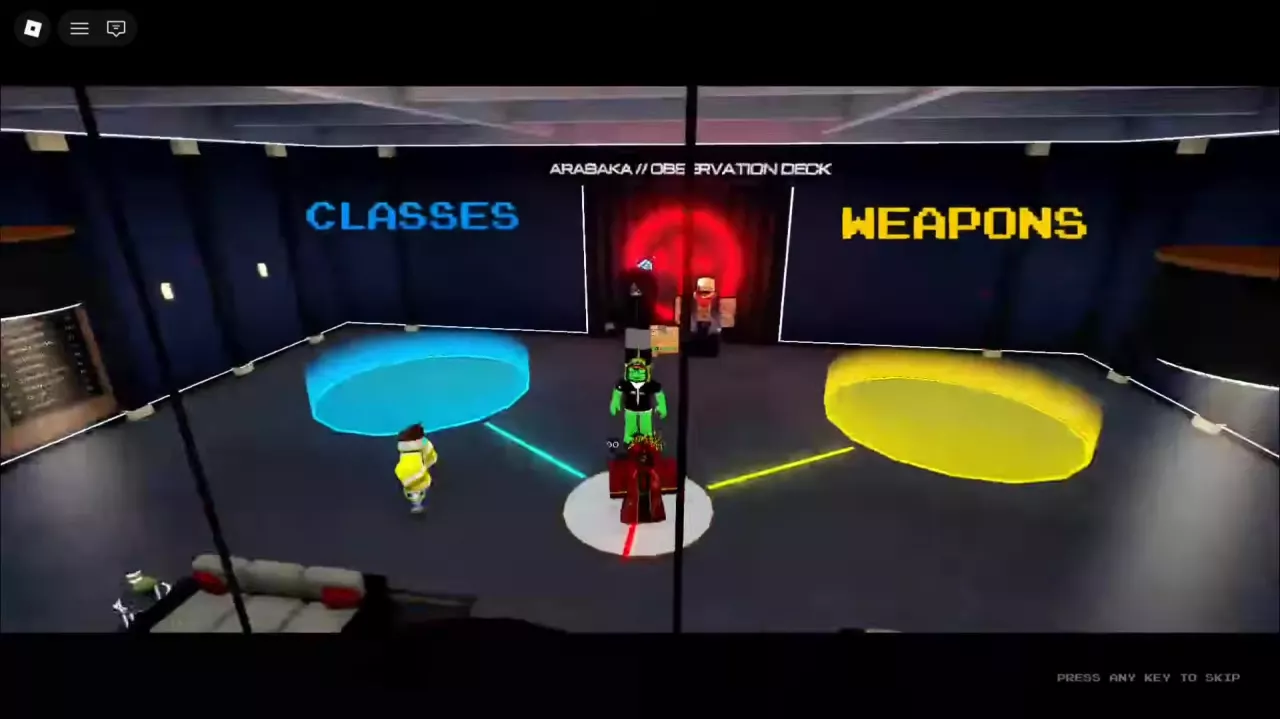
Arasaka Observation Deck is the lobby during INTERMISSION. Use its signs and displays to find a destination, or use the bottom menu for its listed services. The weapon shop interface is labeled ARMORY and GUN SHOP.
The 1 FREE SPIN sign asks you to like the game and join the group. For the related systems, see classes, class spins, weapons and emotes.
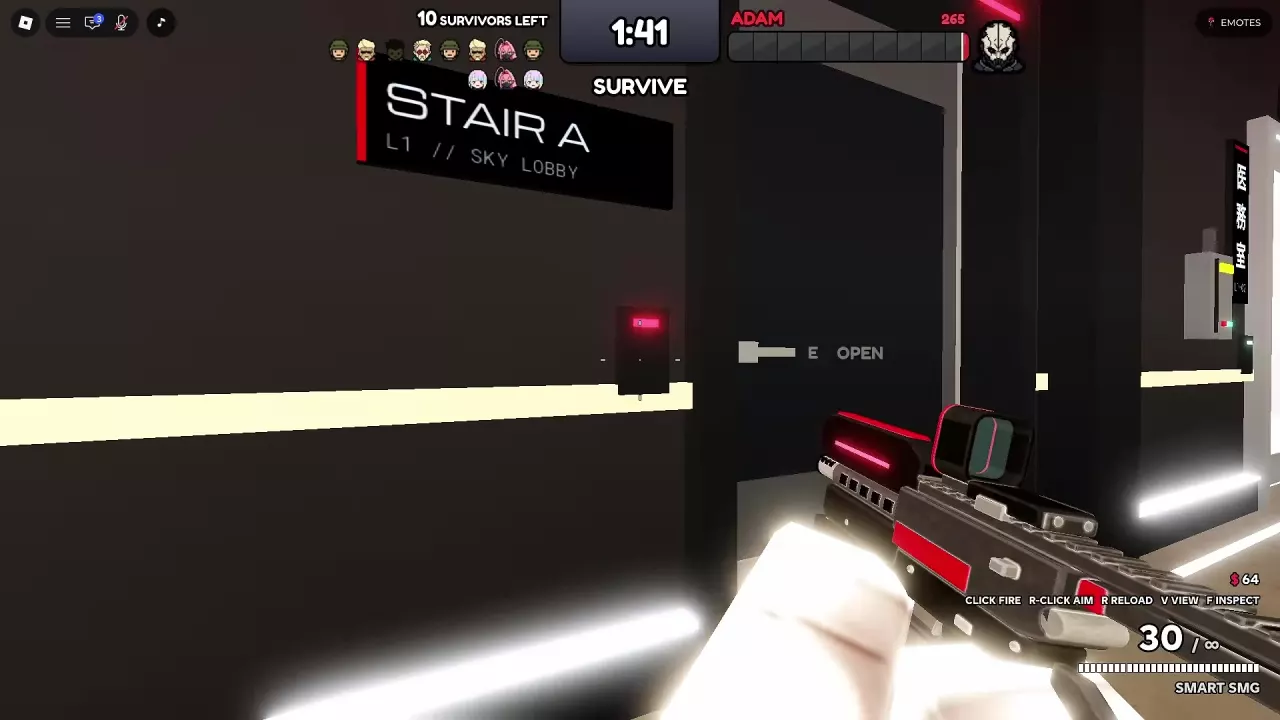
Arasaka Tower's directory identifies L1 Sky Lobby, L2 Netrunner Lab, L3 Executive Suite and the Roof AV Pad / Crown. From the Library doorway, you can travel through the office area to Sky Lobby. Use the Arasaka Tower route guide for more room and stairway connections.
Navigate the Survive a Psycho Arasaka Tower map using floor signs, the Library, Sky Lobby, Mail Room and routes to storage.

Survive Adam Smasher in Survive a Psycho with team fire, tower routes, disruption skills, smoke recovery, and smart retreats.
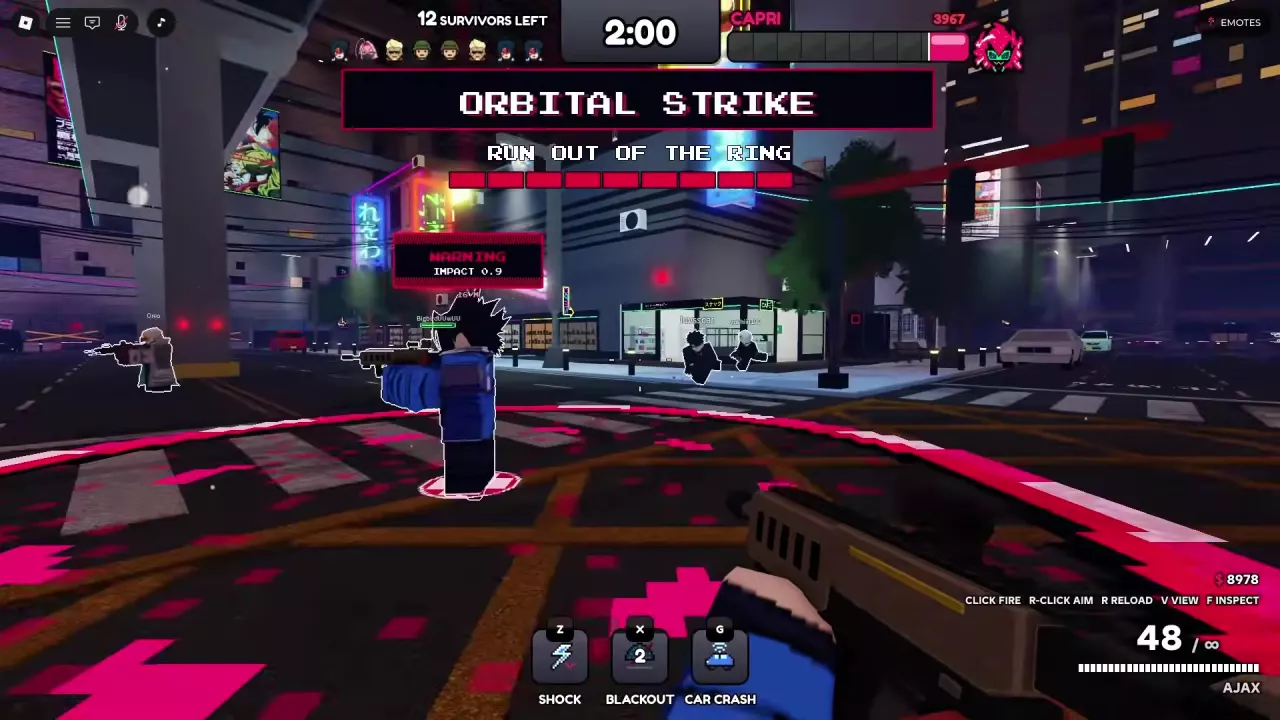
Learn how to beat Capri in Survive a Psycho: focus the real target, reposition during reloads, dodge Orbital Strike rings, and understand her chip.
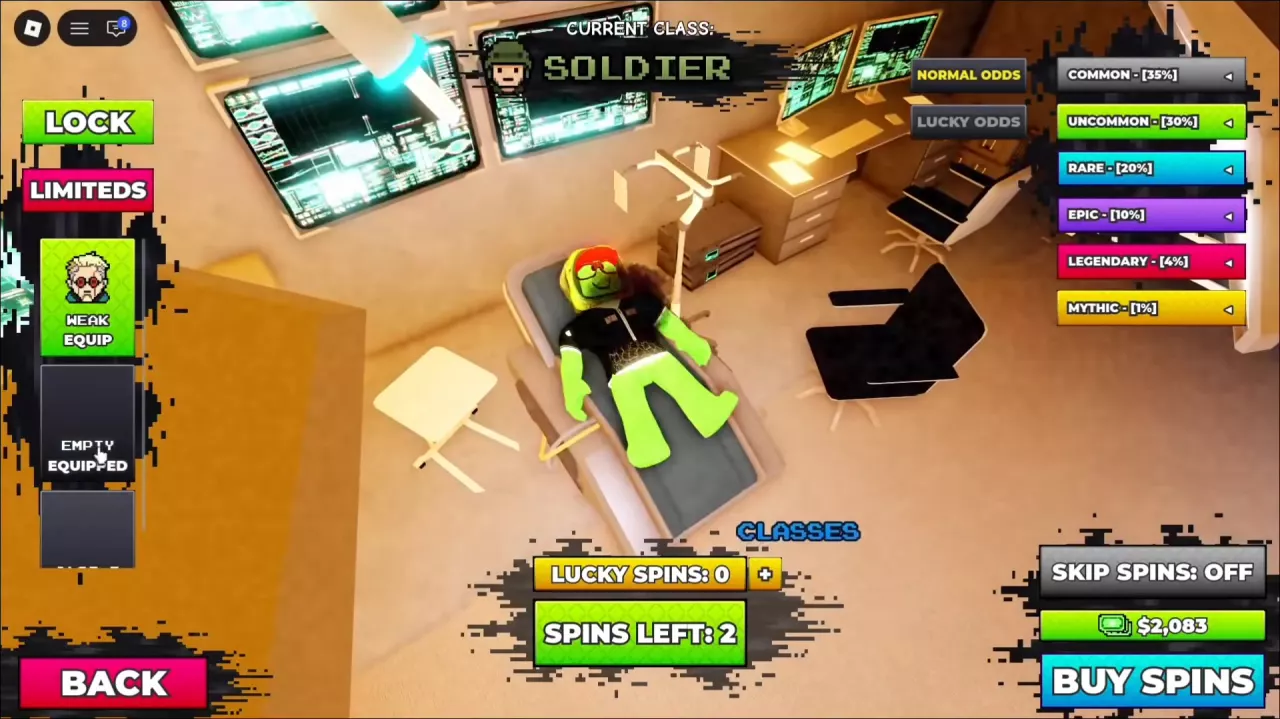
Compare Survive a Psycho classes and loadouts, learn how to equip saved classes, and check Cash and Robux offers for extra class slots.
Get free class spins in Survive a Psycho, learn the 2,500 Cash roll cost and normal rarity odds, confirm results, and budget your attempts.
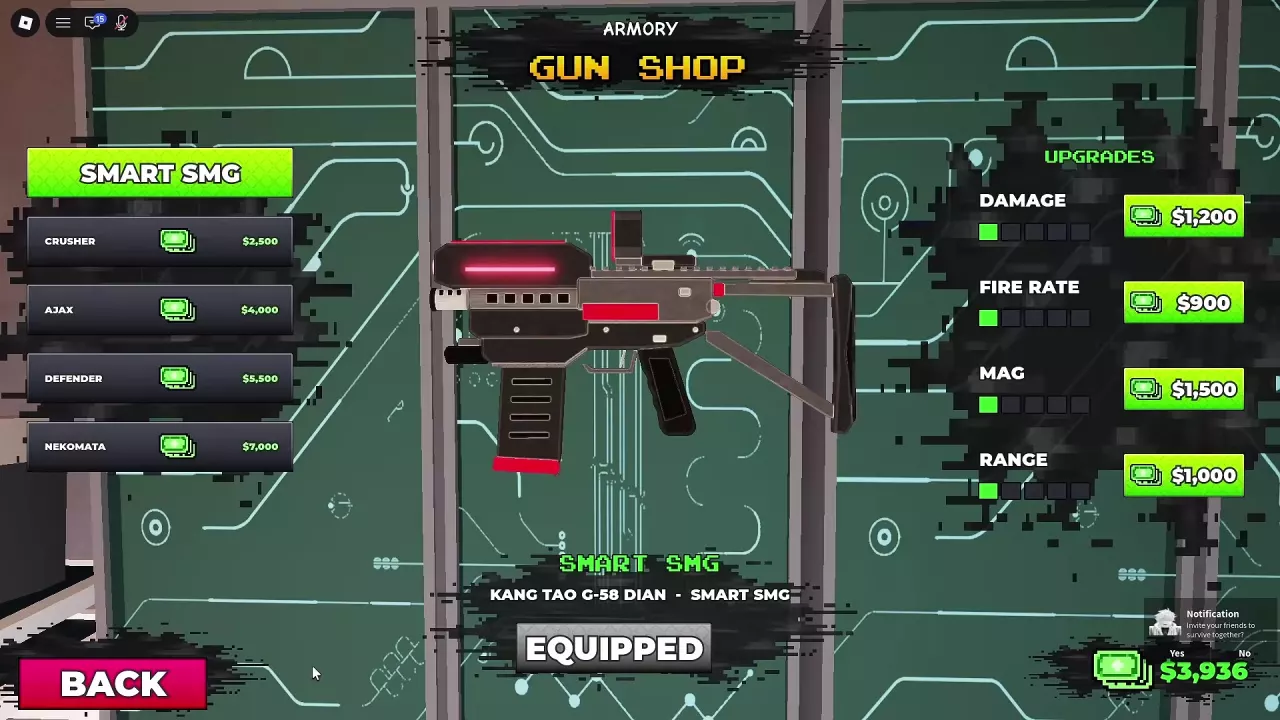
Compare six Survive a Psycho weapons, find gun prices and the Armory, and choose Smart SMG, AJAX or Maine's Zhuo for your budget and firing style.
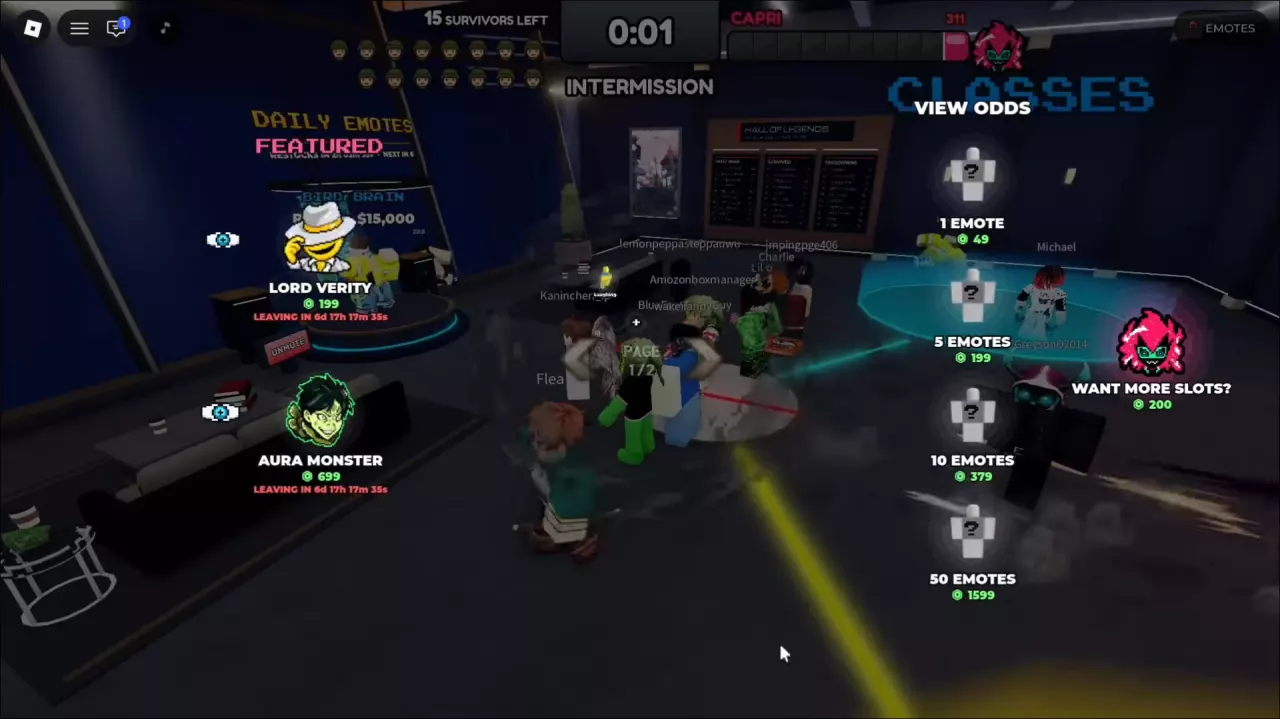
Find Survive a Psycho emote prices, Daily shop restock timers, Featured offers, random-pack costs, and the 200-Robux extra-slot option.
Learn how to play Survive a Psycho, win as a survivor or Psycho, follow the round HUD, spectate and use the paid revive option.