

Survive a Psycho Class Spins: Free Rolls, Odds and Costs
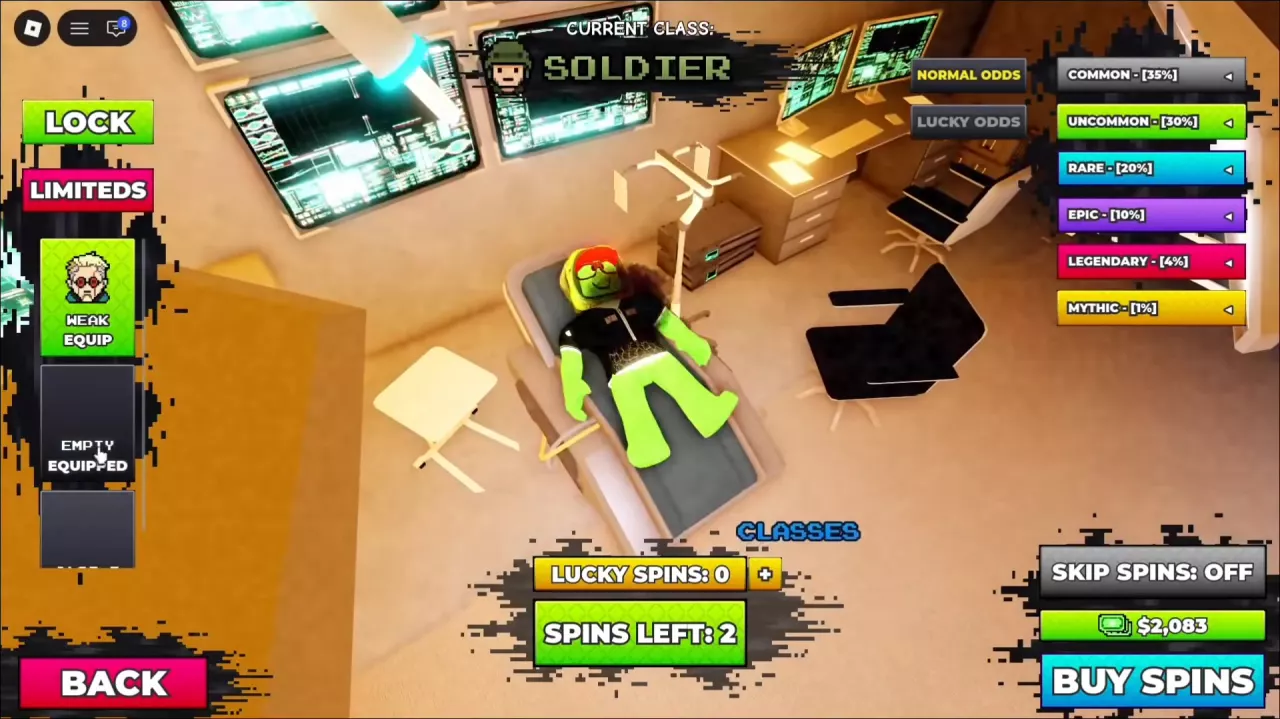
Get free class spins in Survive a Psycho, learn the 2,500 Cash roll cost and normal rarity odds, confirm results, and budget your attempts.
Last updated:
Cash pays for guns, upgrades, class spins, storage slots and Daily Emotes. Earn it by participating in combat and completing rounds, then reserve money for the purchase that fits your next goal.
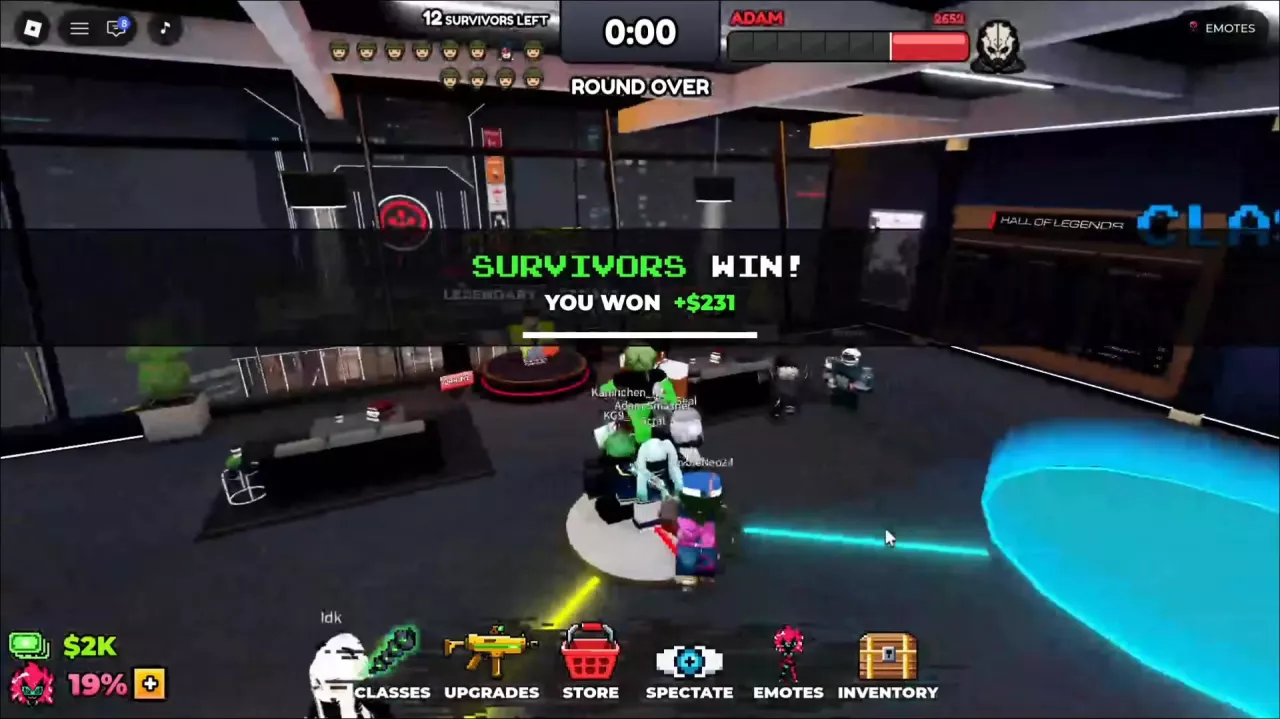
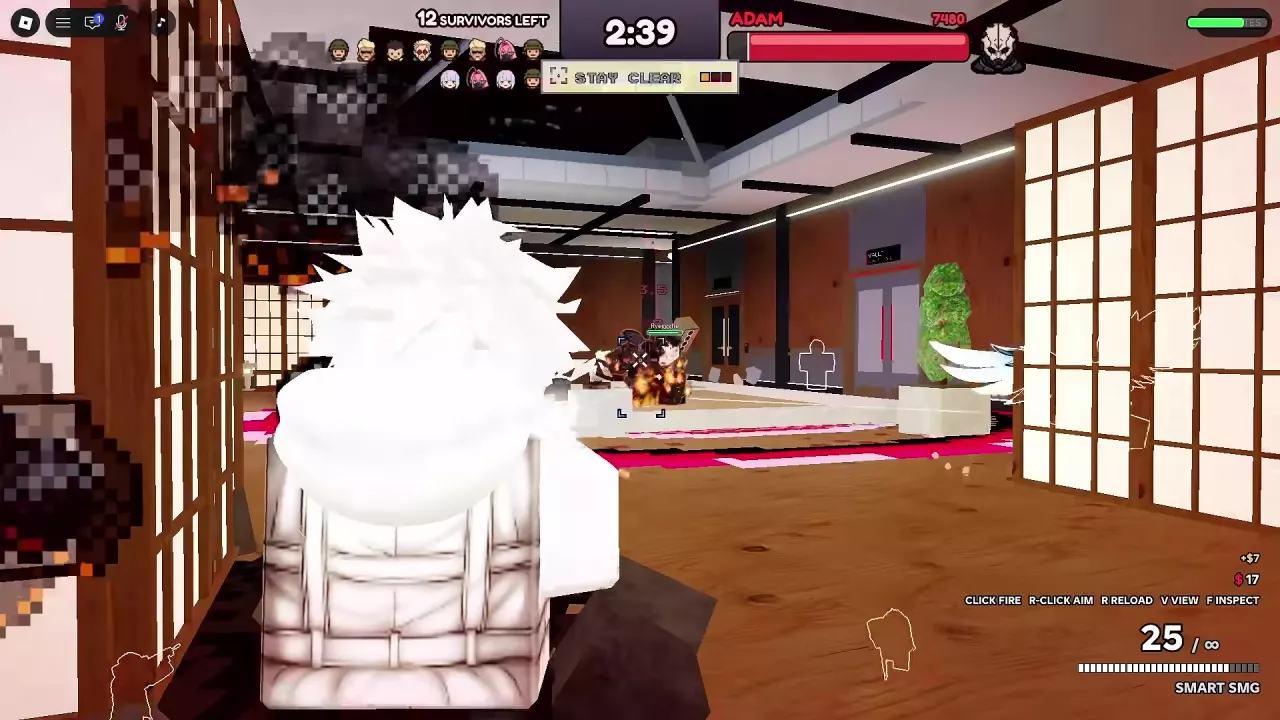
Both survivors and killers can earn Cash through normal play. Cash increments can appear during survivor shooting and alongside killer eliminations, followed by a personal payout at the end of the round.
Treat combat Cash as variable earnings, not a fixed payment for every bullet or elimination. For a practical earning routine, focus on contributing throughout the round and completing it; a single large payout is not a reason to assume one role earns more per hour.
The round-end display separates four pieces of information:
| Display | What it tells you |
|---|---|
| SURVIVORS WIN or KILLER WINS | Which side won the round |
| YOU WON or YOU LOST | Your personal result |
| Cash beside your result | Your round payout |
| MOST DAMAGE | The top three damage contributors and their damage totals |
Wait for the Cash counter to finish updating. An initial zero or smaller amount can be part of the count-up rather than the final payout.
Death does not automatically erase your payout. In one round, an eliminated survivor remained in spectate while the last teammate survived until time ran out, then received 231 Cash. A separate Adam Smasher victory paid 880 Cash. These are individual round results, not standard rewards or the endpoints of a payout range. Killer defeats can pay too: separate Capri losses paid 220, 280 and 400 Cash.
Use MOST DAMAGE to compare combat contribution. Its numbers are damage totals, not Cash amounts; do not multiply them by an assumed exchange rate or budget around an assumed top-three bonus. For spending decisions, use your available Cash balance after the round rather than adding combat pop-ups to the settlement amount.
Reserve Cash for what you want to change about your next few rounds. A new gun, another class option and an emote serve different goals.
If you already like your class and gun, upgrading that setup is a focused choice. If trying different class playstyles is your goal, free spins and storage deserve more of your budget.
These purchases compete for the same balance. Choose the result you need before spending.
| Cash budget | Competing purchases | How to choose |
|---|---|---|
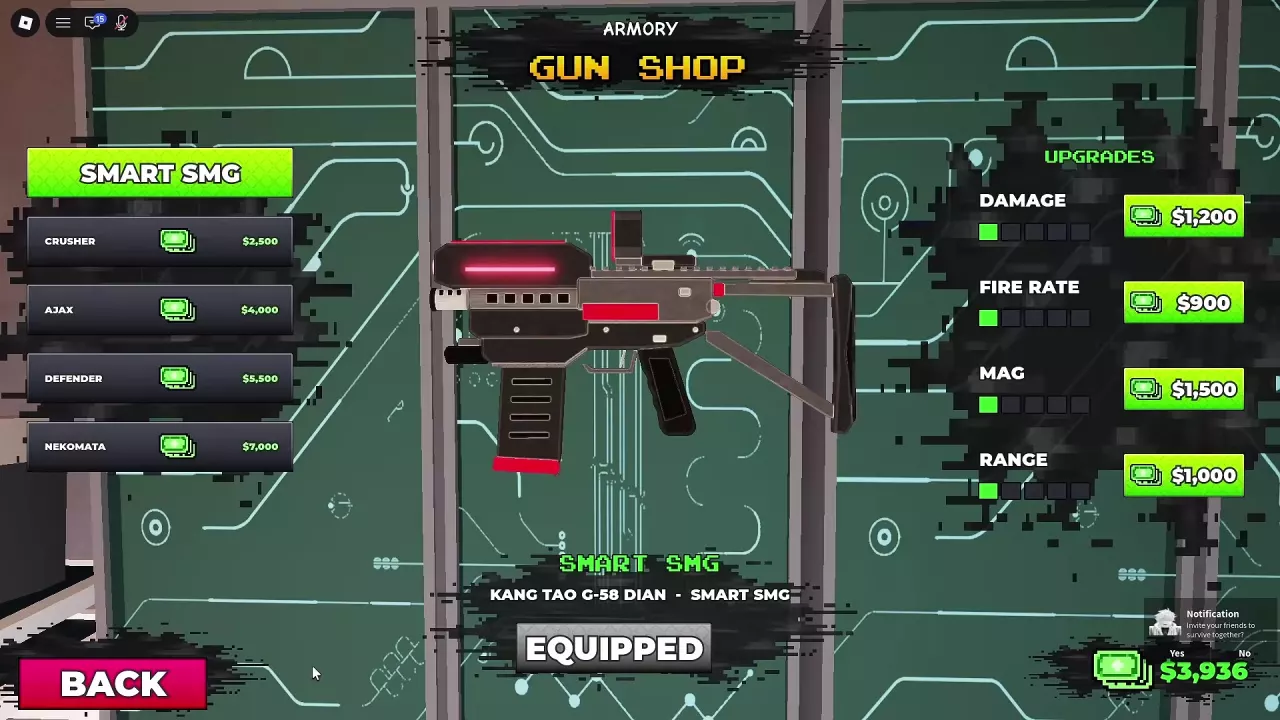
| 1,500 | A locked class-slot Cash option, or the Smart SMG Mag upgrade when its row has one green segment and four unlit segments | Choose storage to retain more class choices, or Mag to improve your current gun's magazine capacity. The slot offer also has a separate 113-Robux option. |
| 2,500 | Crusher, or one paid normal class spin | Crusher gives you the named gun; the spin gives a random class result. |
| 4,000 | AJAX, or the SLOT 3 Cash offer | Choose a gun purchase or additional class storage according to which you will use. |
The slot prices apply to those specific offers: 1,500 Cash is not a universal price for every locked slot, and 4,000 Cash is the SLOT 3 quote.
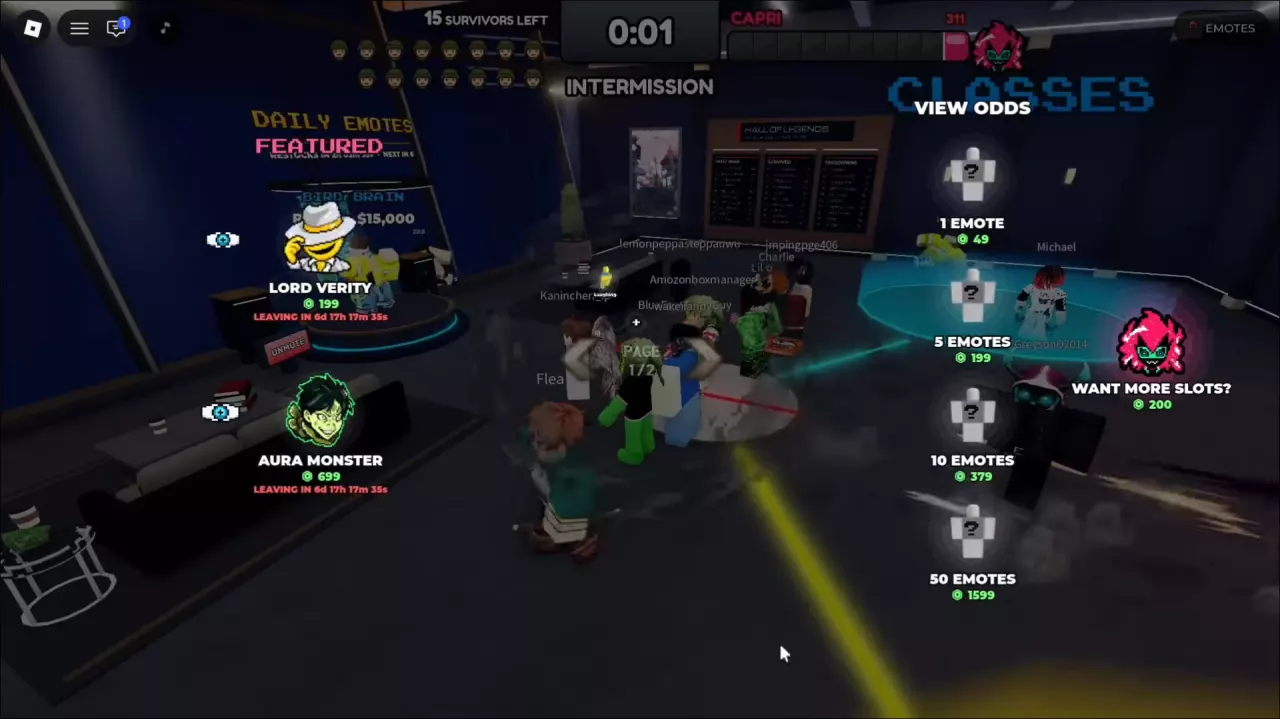
At 2,500 Cash per paid normal spin, the following emote prices use the same budget as these numbers of rolls:
| Daily Emotes, when offered | Cash price for one emote | Paid normal spins affordable with that budget |
|---|---|---|
| Bird Brain or Awooga | 15,000 | 6 |
| Catch Catch, That or Jackpot!!! | 35,000 | 14 |
| Looping Da Rooms | 75,000 | 30 |
These are spending comparisons, not equivalent rewards. An emote purchase selects the offered collectible, while those spins still produce random results. If class variety is your priority, an expensive emote uses money that could fund several rolls; if you are happy with your loadout, the collectible may be the purchase you actually want. Browse emote prices and shop offers for the available purchase channels.
Cash purchases and Robux offers draw on different budgets.
| Robux option | Price and condition | Purpose |
|---|---|---|
| BECOME NEXT KILLER | 49 Robux; the purchase prompt advertises a 10% Roblox Plus discount | Become the next round's killer |
| REVIVE | Separate offers show 40 or 49 Robux; use the price on your available REVIVE offer | Return to the current round after death |
The Plus discount belongs to the next-killer offer; do not use it to explain the two revive prices. See killer role access for the role option and reviving or spectating after death for the round flow.
Choose REVIVE because you want to rejoin the fight. You do not need to buy it solely on the assumption that dying forfeits every Cash payout—the post-death payout example above shows otherwise.
Get free class spins in Survive a Psycho, learn the 2,500 Cash roll cost and normal rarity odds, confirm results, and budget your attempts.
Compare six Survive a Psycho weapons, find gun prices and the Armory, and choose Smart SMG, AJAX or Maine's Zhuo for your budget and firing style.
Find Survive a Psycho emote prices, Daily shop restock timers, Featured offers, random-pack costs, and the 200-Robux extra-slot option.
Find Smart SMG upgrades in Survive a Psycho, compare Cash prices, and choose Damage, Fire Rate, Mag or Range to match your budget and combat needs.
Compare Survive a Psycho classes and loadouts, learn how to equip saved classes, and check Cash and Robux offers for extra class slots.
Compare the killers in Survive a Psycho, including Adam and Capri's scenarios and abilities, and learn how to get the Psycho role.
Learn how to play Survive a Psycho, win as a survivor or Psycho, follow the round HUD, spectate and use the paid revive option.