
Survive a Psycho Abilities and Survivor Skill Guide
Learn Survive a Psycho ability controls, Smoke healing, Shock quickhacks, Blackout disruption and Car Crash, plus Adam and Capri skill lists.
Last updated:
A dark screen, disabled skill display and slowdown can appear together in Survive a Psycho. Read the status label and your individual skill slots to decide how to keep moving and fighting.
| On-screen label | Meaning | What to do |
|---|---|---|
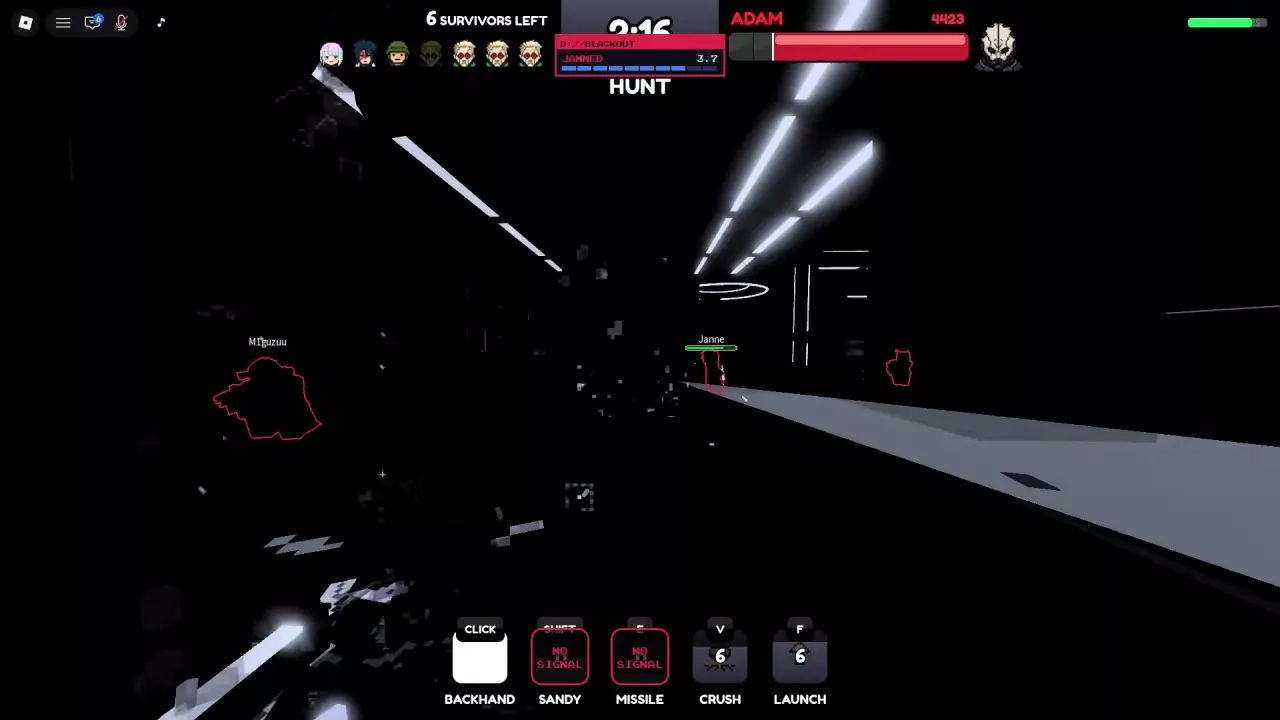
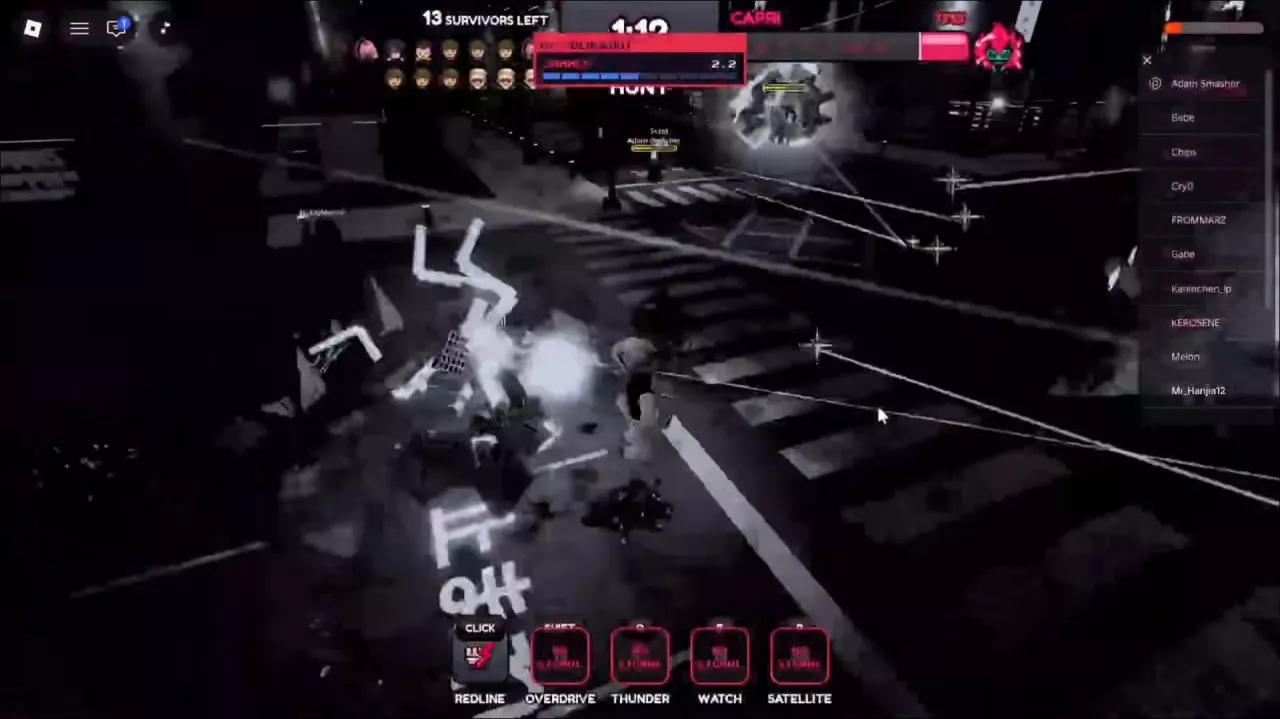
| JAMMED | Timed signal interference during Blackout. | Keep moving and follow the countdown. |
| NO SIGNAL | Signal interference on affected skill slots, or a Blackout banner in survivor view. | Check individual slots; survivors can still aim, shoot and reload. |
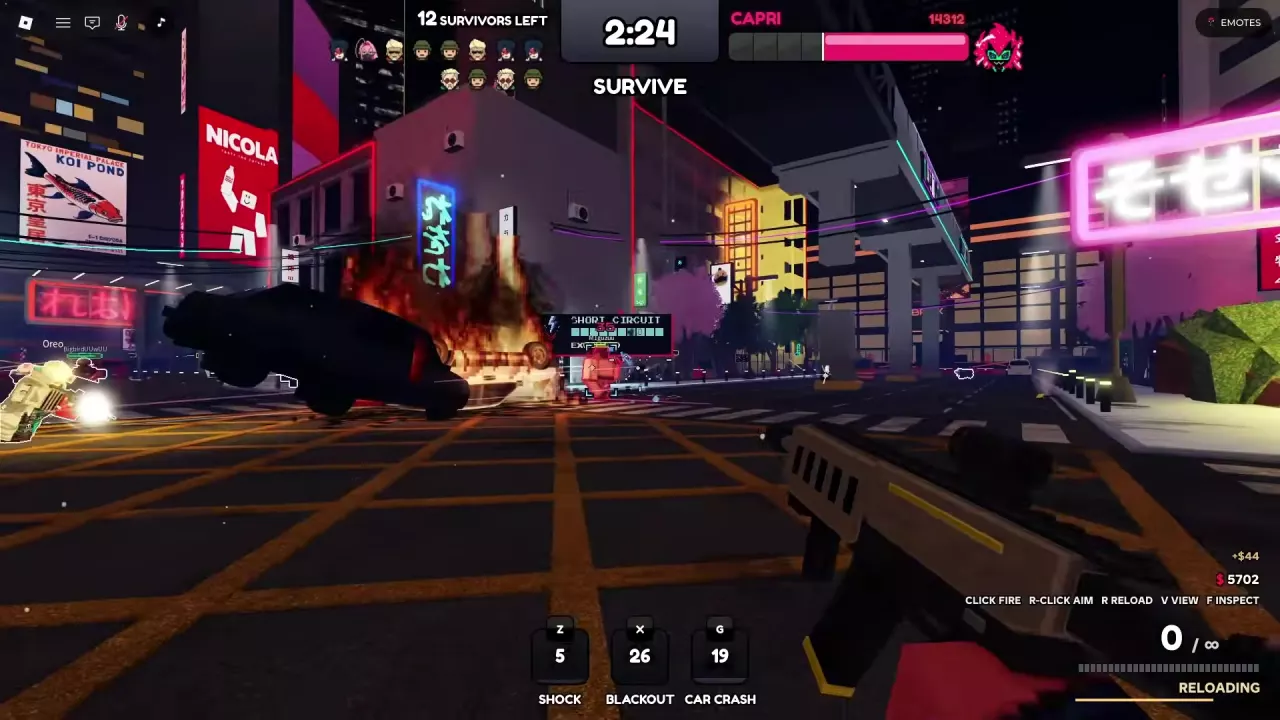
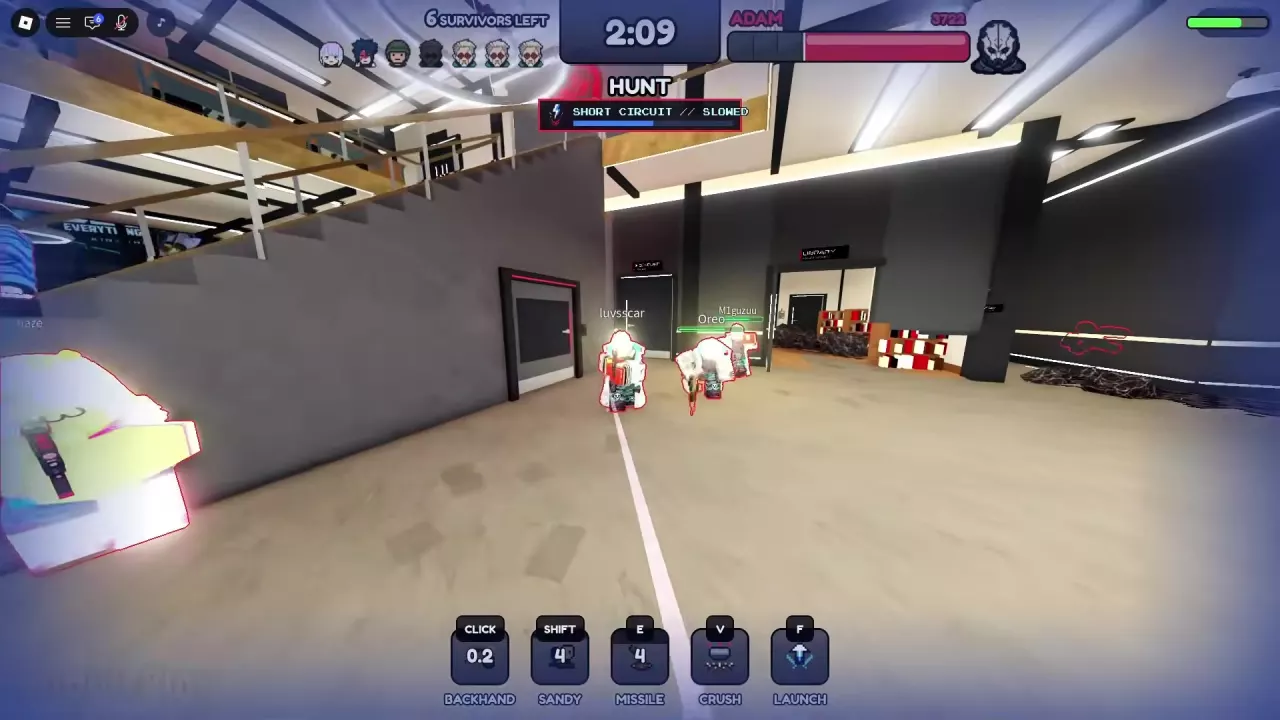
| SHORT CIRCUIT // SLOWED | An active slowdown. | Continue moving and use available attacks. |
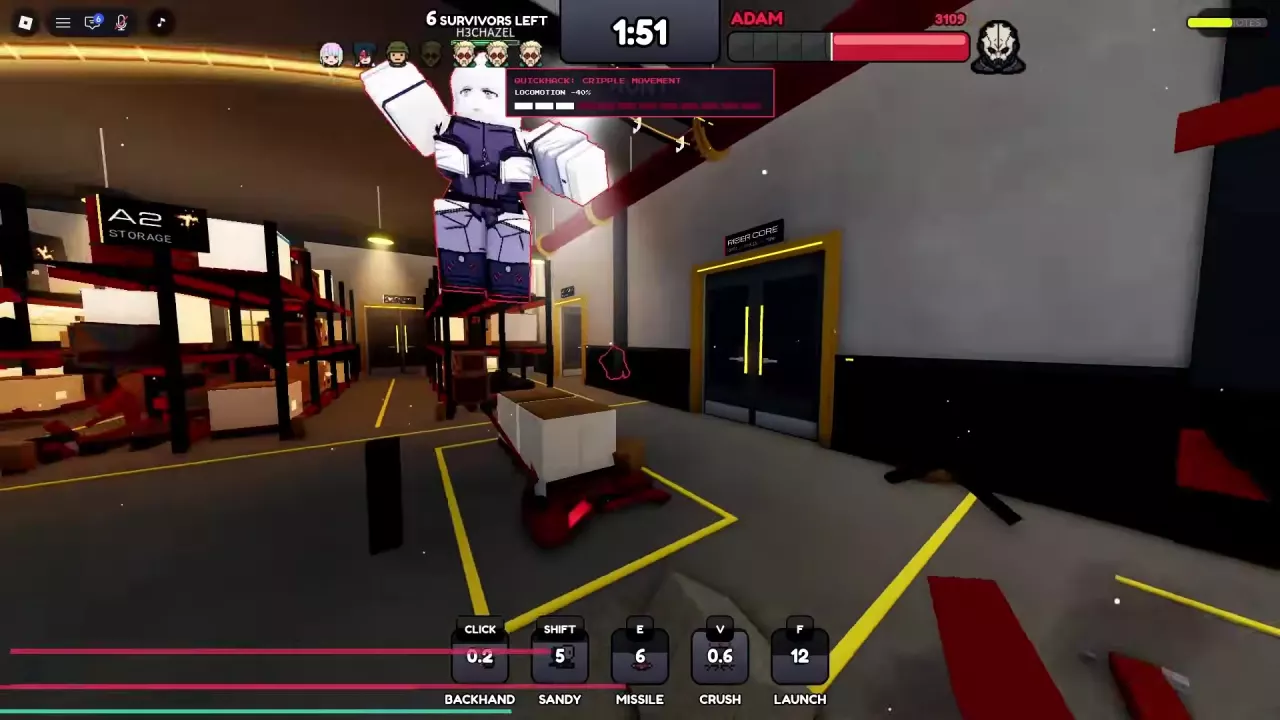
| QUICKHACK: CRIPPLE MOVEMENT | A movement penalty labeled LOCOMOTION -40%. | Account for reduced mobility while its status bar is active. |
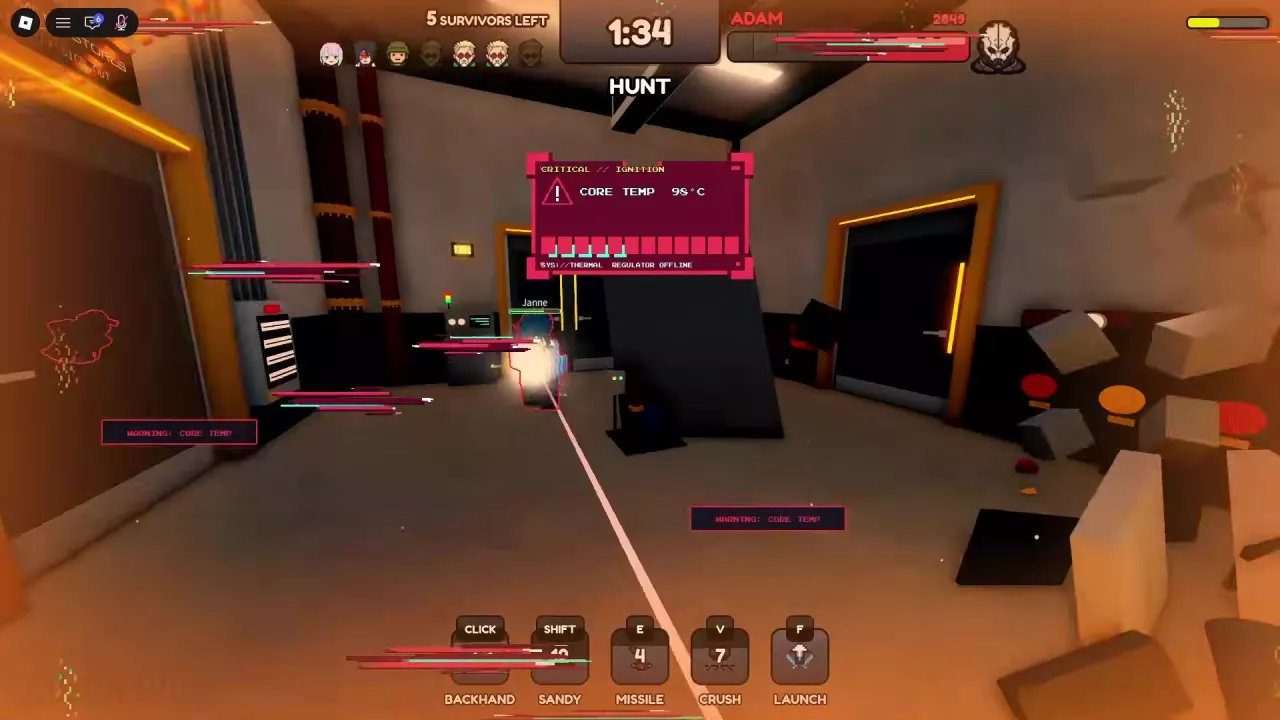
| QUICKHACK: OVERHEAT | A core-temperature warning. | Read the temperature panel alongside your movement and skill displays. |
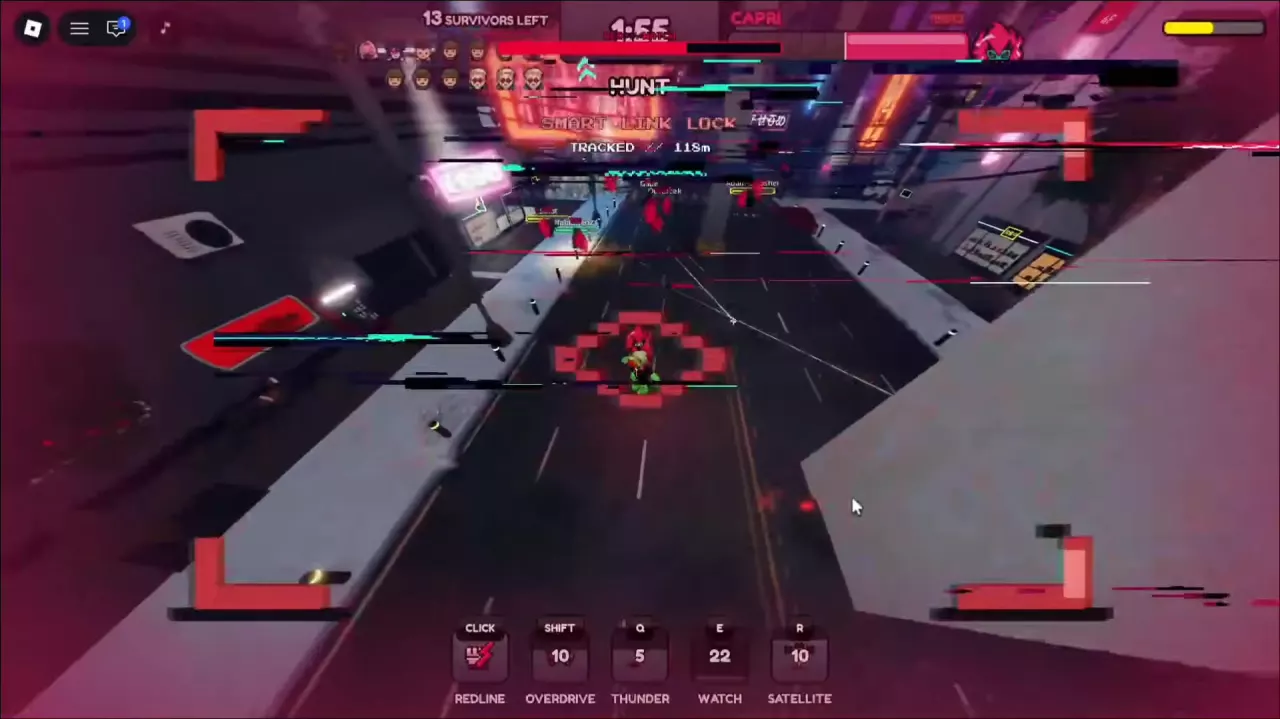
| SMART LINK LOCK | A red targeting frame or crosshair in Capri's hunting view. | Read it together with the tracking distance. |
| TRACKED | A distance readout that changes with positions. | Watch whether the displayed distance rises or falls. |
Several statuses can coexist. Cripple Movement can overlap with Overheat, and Short Circuit can persist after Blackout's skill interference ends. Follow each status bar separately; one disappearing does not mean every effect has cleared.
Blackout darkens the scene or makes it nearly monochrome, with flashes and glitch effects. JAMMED is the interference countdown; NO SIGNAL identifies affected skill slots. The slots affected depend on which killer you are playing.
| Killer | Slots displaying NO SIGNAL | Displays that remain |
|---|---|---|
| Adam Smasher | Sandy, Missile | Backhand, Crush and Launch retain their own attack or cooldown displays. |
| Capri | Overdrive, Thunder, Watch, Satellite | Redline retains its own attack or cooldown display. |
Another Blackout can interrupt the skills again later. For the surrounding attack sequences, see the Adam Smasher guide or Capri killer guide.
A survivor's Blackout banner can also say NO SIGNAL while the scene is dark. You can continue aiming, firing and reloading. Use the character outlines that remain visible to keep track of the fight.
For using Blackout yourself, see the survivor ability guide.
The Short Circuit sequence can display UPLOAD progress, then EXECUTED or SHORT CIRCUIT EXECUTED, followed by SHORT CIRCUIT // SLOWED and a blue status bar. The slowed label is the feedback that a movement penalty is active.
You can still move while slowed. Adam can continue pursuit and use Crush with SHORT CIRCUIT // SLOWED visible, so keep using attacks that are available instead of waiting motionless for the bar to clear.
Survivor Shock use against Adam and Capri can accompany electrical effects and a Short Circuit upload near the target. For the controls and casting sequence, use the Shock and disruption ability guide.
QUICKHACK: CRIPPLE MOVEMENT explicitly displays LOCOMOTION -40% and a status bar that decreases over time. This label appears in both Adam's warehouse combat and Capri's street combat.
The 40% locomotion reduction belongs to Cripple Movement. Do not use it as Short Circuit's slowdown percentage or as a vehicle or sprint-speed calculation. While the bar is active, allow for reduced mobility when choosing how to approach an opponent.
QUICKHACK: OVERHEAT opens a temperature panel. Its labels help you recognize the warning as it develops:
Keep using the movement and skills available to you. Adam can continue pursuit, and an Overheat sequence can include using Launch. Capri can resume movement and combat after a warning clears, with further Overheat warnings possible during the same hunt.
If movement or signal warnings appear alongside the temperature panel, check their own labels and skill slots before choosing your next action.
In Capri's hunting view, SMART LINK LOCK appears with a red targeting frame or crosshair. TRACKED supplies a distance in meters that changes as positions change.
Watch successive readings to see whether the displayed distance is increasing or decreasing. The distance can remain visible during JAMMED even while Overdrive, Thunder, Watch and Satellite display NO SIGNAL.
Tracking information can also appear alongside SHORT CIRCUIT // SLOWED. Use TRACKED for the distance reading and the Short Circuit label for the movement penalty; the targeting overlay itself is not a slowdown indicator.
Learn Survive a Psycho ability controls, Smoke healing, Shock quickhacks, Blackout disruption and Car Crash, plus Adam and Capri skill lists.
Learn how to play Adam Smasher in Survive a Psycho: track survivors, use attacks and Sandy, read Sandevistan, and keep hunting during Blackout.
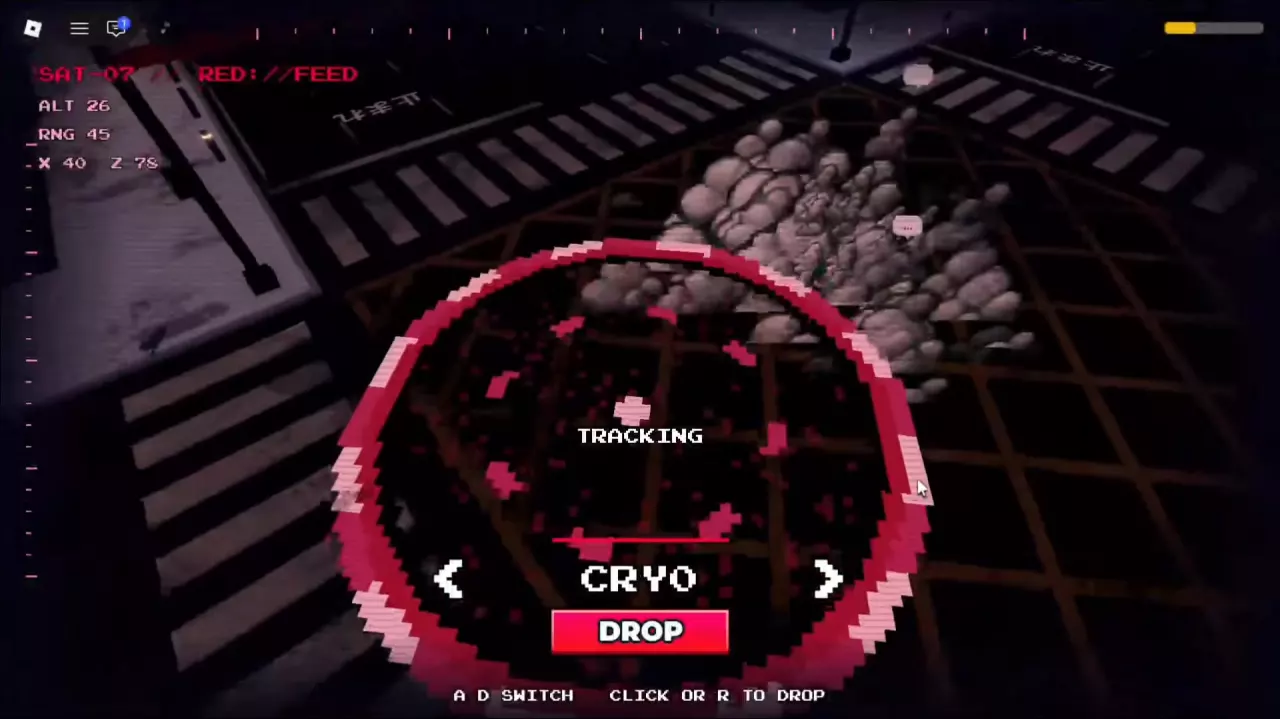
Master Capri in Survive a Psycho: chase with Overdrive, use Redline, Thunder and Watch, switch Satellite targets, execute DROP, and handle jammed skills.