
How to Play Survive a Psycho
Learn how to play Survive a Psycho, win as a survivor or Psycho, follow the round HUD, spectate and use the paid revive option.
Last updated:
Find the keyboard and mouse controls for your current role in Survive a Psycho, then set up Shift Lock or switch your weapon view.
With Smart SMG or AJAX equipped, use these controls:
| Input | Action |
|---|---|
| Left click | Fire |
| Right click | Aim |
| R | Reload |
| V | Switch weapon view |
| F | Inspect weapon |
Hold left click with Smart SMG for sustained fire. It reloads automatically when the magazine is empty; let the reload finish before firing again.
To use an interactive door, approach until E OPEN appears and press E. Press E at the E CLOSE prompt to close it. When an opening cinematic displays PRESS ANY KEY TO SKIP, press any key to skip it.
Match the names on your current skill bar to the corresponding row. Each row is a separate loadout.
| Skill bar | Z | X | G |
|---|---|---|---|
| Flashbang, King's Shot, Smoke | Flashbang | King's Shot | Smoke |
| Shock, Blackout, Car Crash | Shock | Blackout | Car Crash |
| Maine | Cannon | Fuel Cell | Psychosis |
As Maine, click to fire Zhuo. Ability icons can show cooldown numbers after use. For what these skills do, see the survivor skill guide; for Maine's combat cycle, see the Maine guide.
The same key can have a different action depending on your role and the interface you are using.
| Input | Adam Smasher | Psycho Capri |
|---|---|---|
| Click | Backhand | Redline |
| Shift | Sandy | Overdrive |
| Q | — | Thunder |
| E | Missile | Watch |
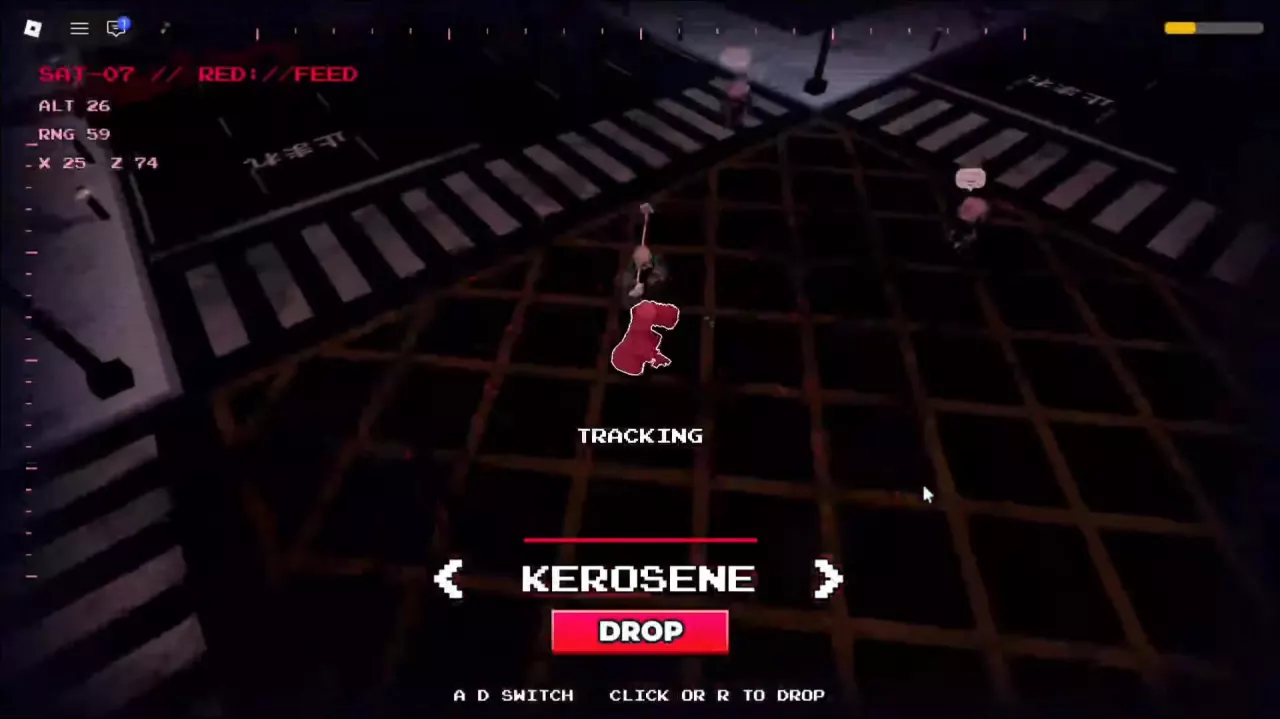
| R | — | Satellite |
| V | Crush | — |
| F | Launch | — |
See the Adam Smasher guide or Capri killer guide for using these abilities during a hunt.
To enable the Shift Lock setting on PC:
For first-person weapon view, equip the Smart SMG and press V to switch views. This weapon control is separate from the Shift Lock setting.
Learn how to play Survive a Psycho, win as a survivor or Psycho, follow the round HUD, spectate and use the paid revive option.
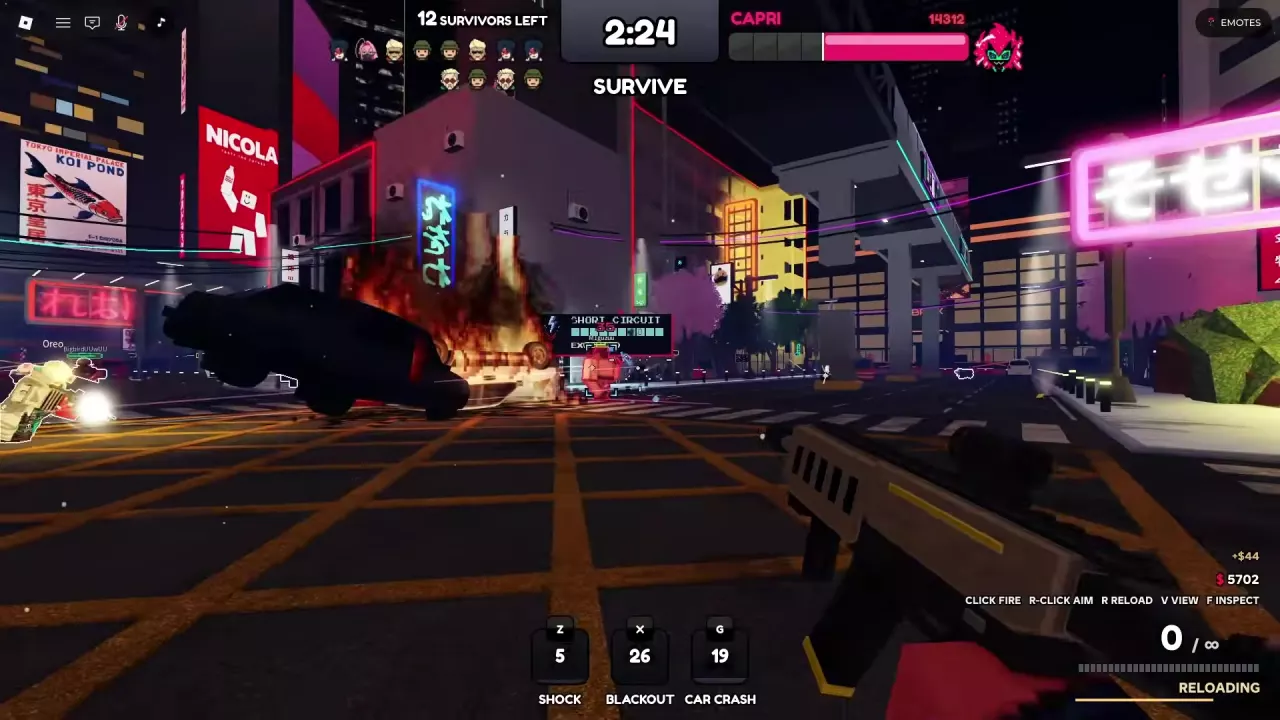
Learn Survive a Psycho ability controls, Smoke healing, Shock quickhacks, Blackout disruption and Car Crash, plus Adam and Capri skill lists.
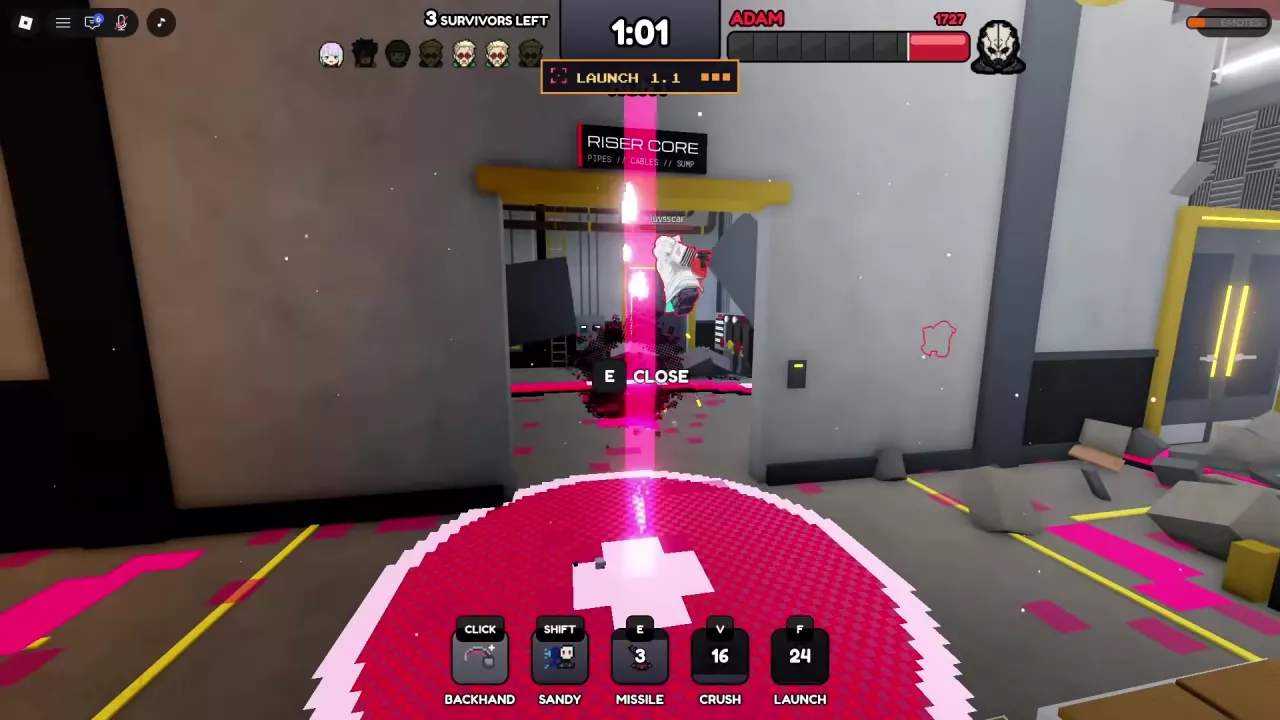
Learn how to play Adam Smasher in Survive a Psycho: track survivors, use attacks and Sandy, read Sandevistan, and keep hunting during Blackout.
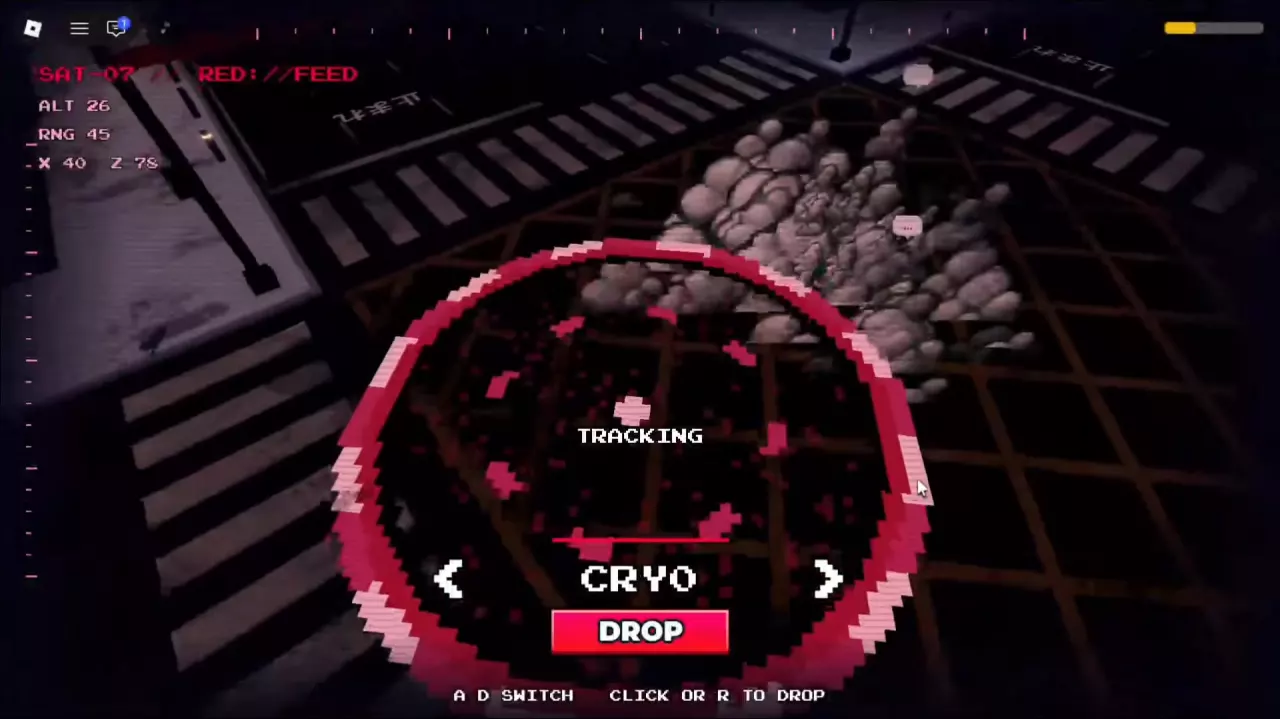
Master Capri in Survive a Psycho: chase with Overdrive, use Redline, Thunder and Watch, switch Satellite targets, execute DROP, and handle jammed skills.
Learn how to equip Maine in Survive a Psycho, manage Zhuo's two-round reload, and use Psychosis for a Berserk firing window.